
Projector and screen rental in Dallas-Fort Worth: delivered, set up and dialed in.
Dallas Event Audio rents laser projectors and matched projector screens across Dallas, Fort Worth, Plano, Frisco, Arlington and the rest of the metro. Every projector rental is a full-service setup: we deliver, rig the screen, run the cable, tune the image to your room and come back for the gear afterward. The projector and the screen are quoted and paired together, because the two of them are what decides whether the image reads from the back of the room.
Projector and screen rental, matched as one package
Most people searching for a projector rental in Dallas need a screen with it, and the two have to agree with each other. A bright projector needs the right screen surface, and a beautiful screen needs a projector with the lumens to feed it; the image on the wall comes from the pair. So we rent them as a set. You tell us the room and the audience size, and the projector and screen come out of our inventory already paired for that job.
Every setup goes out the same way. Our crew delivers it, rigs the screen, dresses the cable, connects your laptop, tunes the image for the light in the room, and stays long enough to confirm your first slide looks right on the screen. Then we come back and pick it all up. We carry it in, set it up and carry it back out.
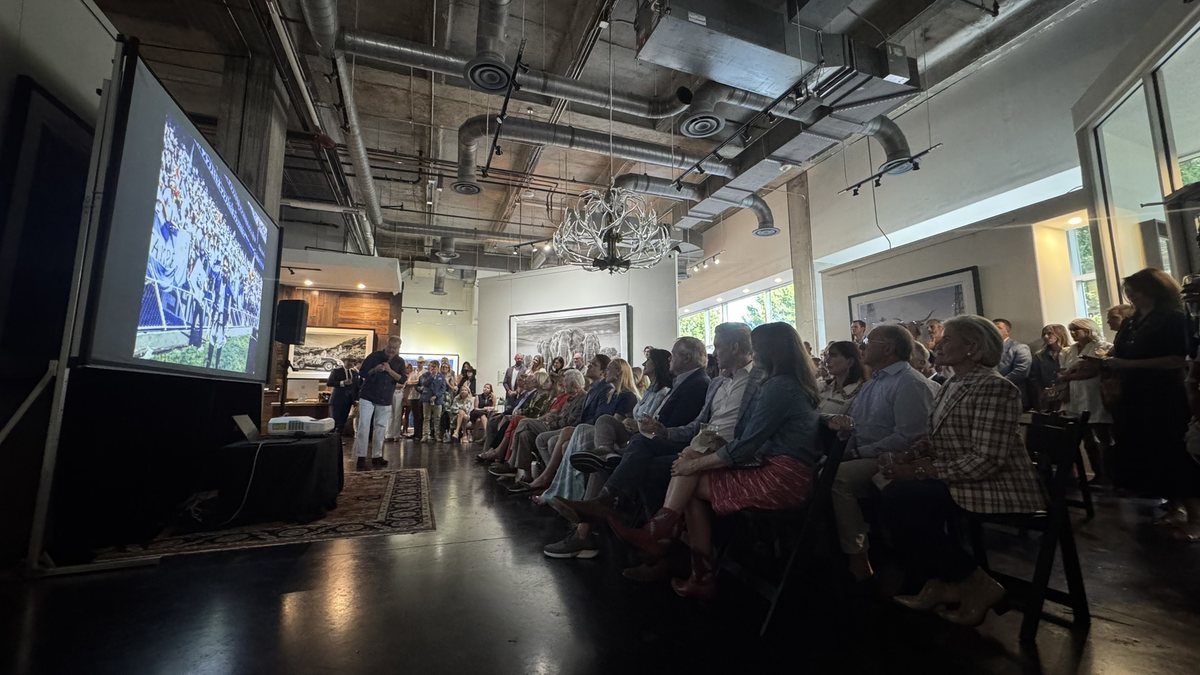
Ultra short throw projector rental and ambient light rejecting screens for bright rooms
Rig Epson PowerLite 700U · 150 inch CLR screen · ultra short throw
This is the setup for a room that stays lit. The Epson PowerLite 700U is a 4,000 lumen WUXGA laser projector that sits inches from the screen instead of across the room, and it is paired with an Elite Screens Light-On CLR StarBright ambient light rejecting screen at 150 inches. The screen surface is built to reject the light coming down from the ceiling and accept only the light coming up from the projector, so the image holds its contrast with the house lights on.
Because the throw distance is inches rather than feet, the beam clears the room, so your slide stays clean and the middle of the room stays open for seating. Lobbies, hotel prefunction space, retail activations, reception areas and glass-walled conference rooms are all rooms we bring this setup to. Clients stop asking us whether they can dim the lights, because the image holds either way. The conference stage on our corporate page, a hotel ballroom with the house lights up and the windows uncovered, is that screen doing its job.

Long throw projector rental for ballrooms and larger rooms
When the room can go dark and the projector can live behind the audience or on a truss, a long throw setup gives you more placement freedom and a bigger image for the same money.
Rig Epson Pro EX10000 · 124 or 144 inch screen · long throw
The Epson Pro EX10000 is a 4,600 lumen Full HD laser projector with wireless and Miracast input, paired with either a 124 inch tab tensioned tripod screen or a 144 inch white matte screen depending on how far back the room lets us sit. Laser means full brightness the second it is switched on, and the same brightness at the end of a long conference day as at the start of it.
This is the workhorse for hotel ballrooms, banquet rooms, general session rooms, worship spaces and any room with real seating depth. Give us the ceiling height, the throw distance and the seating layout and we will tell you which of the two screens fits, then bring the one that does. Larger rooms sometimes want two screens so both sides of the audience read the slide straight on, and we rent projectors and screens in pairs for that reason.
What size projector screen do you need?
Audience size sets the screen, and the depth of the room sets it again. The rough guide below is where most Dallas-Fort Worth events land, and we will check it against your floor plan before anything is loaded on the truck.
About 50 guests6 to 8 foot screen
Rig 1 projector · 6 to 8 ft screen · single feed
Boardrooms, training rooms, small breakouts and rehearsal dinners. At this size the back row is close enough that a modest screen still reads, and the projector matters more than the screen does. If the room has windows we will bring the ultra short throw setup instead, because a 6 foot image in a bright room is the easiest image on this page to lose.
About 100 guests8 to 10 foot screen
Rig 1 projector · 8 to 10 ft screen · laptop and audio feed
Corporate meetings, association luncheons and mid size receptions. This is the projector and screen rental we deliver most often in Dallas. One screen at the front of the room, the projector paired to it for the throw distance we have, and a clean laptop connection at the podium so your presenter stands up and talks.
About 150 guests10 to 12 foot screen
Rig 1 projector · 10 to 12 ft screen · dressed and skirted
Ballroom meetings, galas and fundraisers. At this size the screen becomes part of the room's look, so it gets dressed rather than left as a bare frame on legs. Rooms this deep also start to need a brighter projector, because the same lumens spread across a bigger image is a dimmer image.
200 guests and up12 to 16 foot screen
Rig 1 or 2 projectors · 12 to 16 ft screen · up to 150 in
General sessions, conferences, worship services and large weddings. Wide rooms usually do better with two screens than one very large screen, so the guests on the outside seats are looking straight at an image rather than across one. We rent screens up to 150 inches and will tell you honestly when your room wants a second projector and screen instead of a bigger single one.
How many lumens does your room need?
Lumens is the number people ask about, but the honest answer is that lumens and screen surface are one decision, not two.
Room you can dim
3,000 to 4,000 lumens is enough for a ballroom or meeting room where the house lights come down and the shades close. Both of our projectors clear that comfortably, so in a dimmed room the screen size drives the choice rather than the brightness.
Windows or lights on
A room with daylight or full house lights wants 5,000 lumens and up, or a projector paired with an ambient light rejecting screen, which is the route we take. The CLR screen buys back more contrast than the extra lumens would, and it does it with a projector that sits at the base of the screen.
Screen surface does half the work
Two setups can put the same lumens on the wall and look completely different. Matte white spreads light evenly for wide seating, and the Light-On CLR surface rejects overhead light so the image survives with the lights up. We pick the surface for the room, then pick the projector that is paired to it.
We check it in your room
Brightness on paper is a starting point. On the day we set the image, check it from the back row and the outside seats, and adjust before your first presenter walks up. If your room turns out brighter than the floor plan suggested, that is our problem to solve at setup, not yours.
Corporate projector rental for meetings and conferences in Dallas
Corporate work is most of what this inventory does. Quarterly meetings, sales kickoffs, board presentations, training sessions, trade show booths and multi day conferences in Dallas, Fort Worth, Irving, Plano and Frisco hotels. The projector and screen are usually the visible part of a larger corporate setup that also includes microphones, speakers and a recording feed, and we would rather quote all of it together than have three vendors meet in your ballroom for the first time on show morning.
For a corporate event we advance the load in with the venue, arrive early enough to have the image up before your team rehearses, and label the laptop cable so the person presenting knows which one is theirs. If the meeting runs multiple days the setup stays put and we check it each morning. Corporate clients who need the session recorded or pushed out to remote attendees add live streaming to the same setup, and it runs off the same feed the projector is showing.
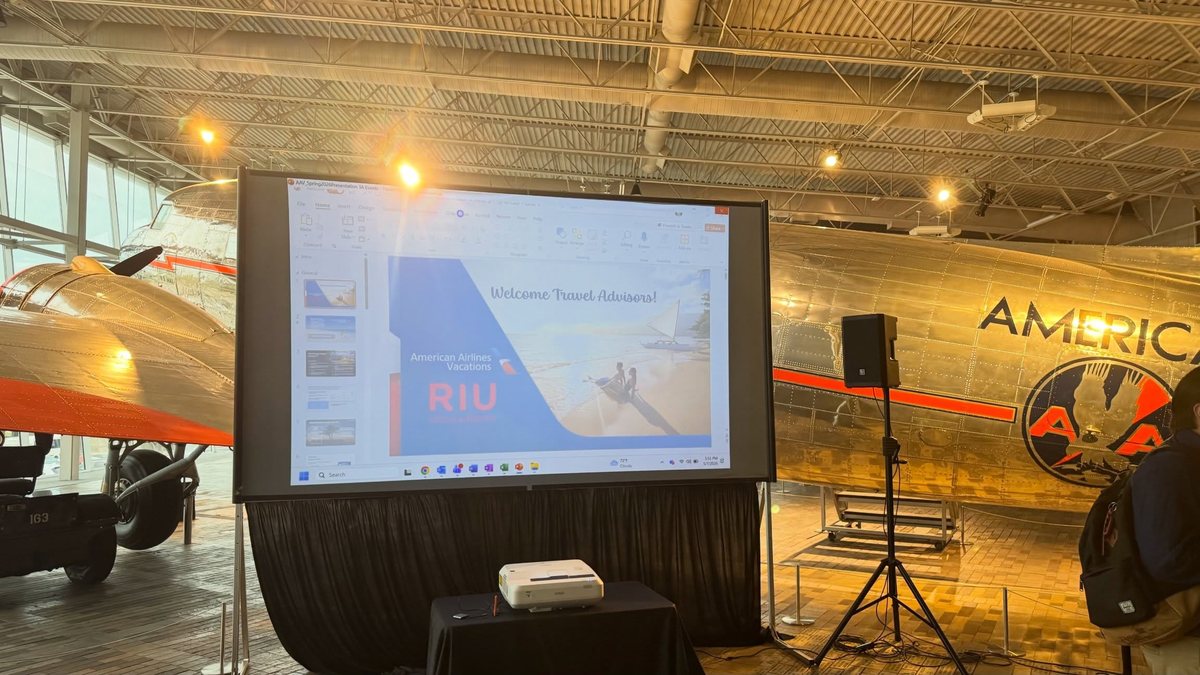
Wedding projector rental in Dallas-Fort Worth
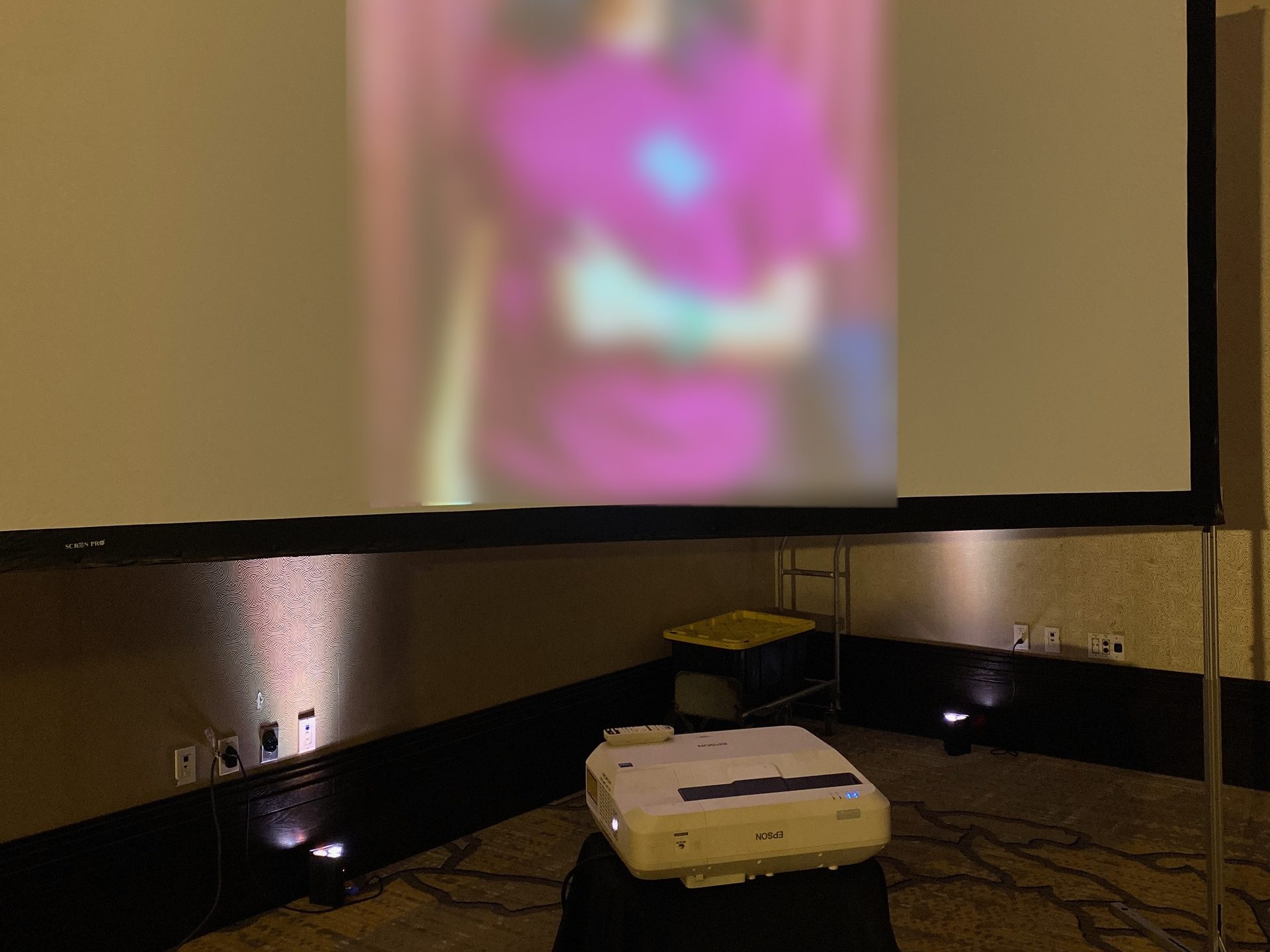
Slideshows during dinner, a live feed of a ceremony for guests in an overflow room, a video message from family who could not travel, or a photo montage running behind the head table. A wedding projector rental is a different job from a corporate one, mostly because the screen is in every photograph. So the screen gets dressed, the frame gets skirted, and the cable runs behind the skirt, out of every photograph. The slideshow photo on this page is that setup: the ultra short throw on a skirted table at the base of a fast-fold screen, uplights behind it, the couple's photos up before the first guest sat down.
Reception rooms are also rarely dark, which is why a reception usually gets the ultra short throw setup. The projector sits at the base of the screen instead of on a stand in the middle of your dance floor, and the ambient light rejecting screen keeps the image readable while the room still looks like a wedding. If what you want is your initials on the dance floor or a wall, that is a different piece of gear, and it lives on our monogram projection page. Plenty of couples rent both.
What is included in every projector rental
The same four steps run on every job, whether it is one screen in a boardroom or a pair of them in a ballroom.
Intake
Room, date, audience size, ceiling height and how much light you can kill. We advance the load in and the dock with the venue rather than assuming, and we pick the projector and screen from that.
Delivery and setup
Our crew brings it in, rigs the screen, sets the projector, runs and dresses the cable and connects your laptop. HDMI, adapters for whatever port your machine has, and a wireless option on the long throw setup.
Image tuning
Geometry, focus, brightness and color set to the actual room, then checked from the back row and the outside seats. Your first slide goes up on the screen before we consider the setup finished.
Technician and pickup
An on-site technician can stay for the event to switch sources and handle presenters. When it is over we strike the setup and take everything back. Coiling, folding and returning are all ours.
Projector and speaker rental from one company
A silent image is half an event. Dallas Event Audio started in audio in 2001, so the projector rental and the sound for the same room come off one quote and one truck.
Nearly every projector rental we deliver goes out with something making noise next to it: a pair of speakers for a slideshow, a podium microphone and a lapel for a presenter, a full sound system rental for a general session, or a band system for a live event. Running audio and video off one setup means your presenter's voice and the video soundtrack land at the same level in the same room, and one crew owns the whole signal path ten minutes before doors.
When microphones are part of the setup they go out with our AI-powered De-Feedback system, which listens for the frequencies about to ring and pulls them down before the room hears anything. That matters most in the rooms projectors live in, because a hard-surfaced ballroom with a screen at the front is a room that wants to feed back. We wrote up how it works in this explainer on De-Feedback for live events, and every wireless microphone rental we send out has it running.
For rooms that suit a display better than a projected image, we can talk you through whether a large flat panel display would serve you better than a projector and screen, and we also rent flat panel audio for the sound side of those rooms. Small rooms with high ambient light sometimes fall on that side of the line, and we will say so.
Projector rental for events across Dallas-Fort Worth
We deliver projector and screen rentals to hotels, wedding venues, corporate campuses, churches, schools and event spaces inside roughly a forty mile radius of ZIP 76053.
Events we cover with this inventory: corporate meetings and conferences, weddings and receptions, galas and fundraisers, trade shows and brand activations, house of worship services, school and university events, and community screenings. If your venue sits outside that radius, ask anyway and we will tell you honestly whether the trip works for your date.
If you want more background before you request a quote, our guide to projector rental in Dallas, TX walks through the questions we get asked most, and we have a separate write up on ambient light rejecting projector screens for anyone working in a room that stays lit.
What else goes in the room
Corporate events
Meetings, conferences and general sessions with the audio, video and crew on one quote.
Weddings
Ceremony sound, reception audio and a dressed screen that looks right in the photos.
Live streaming
Send the same feed your projector is showing to the people who could not be in the room.
Monogram projector
Initials, a logo or a pattern projected onto a floor or wall. A different rig from this one.
Microphone rentals
Handheld, lapel, headset and podium microphones with De-Feedback running on all of them.
Sound equipment rental
Speakers, mixers and playback for the room your screen is standing in.
Projector rental questions we get asked in Dallas-Fort Worth
Do you rent the projector and the screen together?
How many lumens do I need to rent a projector for my event?
What size projector screen do I need?
Can I use a projector in a bright room or with the lights on?
Can I connect my laptop or phone?
Do you deliver and set it up?
Do you have projector rental for a wedding?
Do you do corporate projector rental for conferences?
How far in advance should I book a projector rental?
How much does it cost to rent a projector in Dallas?
Do you rent projectors without a screen?
Tell us the room and the audience size.
Tell us about your event and you'll hear back from us today, with a straightforward quote within 24 hours. Venue, date, audience size and how much light you can kill, and we will come back with the projector and screen that fit the room.